
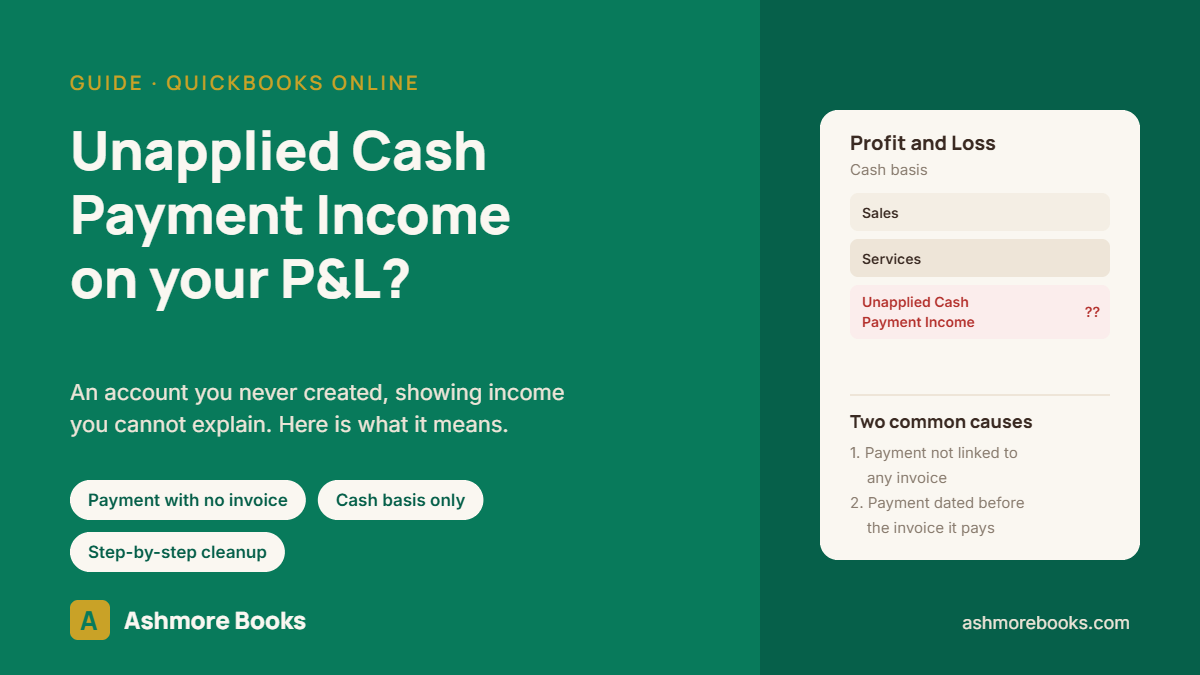
Unapplied Cash Payment Income is an account QuickBooks Online creates by itself on cash basis reports. It holds customer money you have received that is not connected to an invoice, either because no invoice was ever linked to the payment or because the payment is dated before the invoice it pays. You cannot delete the account. It clears when the underlying payments are linked correctly.
Here is what it means, why it appears, and how to clear it.
What you are seeing
- An income account on your Profit and Loss that you never created and cannot edit.
- It appears when the report is run on a cash basis and vanishes when you switch to accrual.
- Sometimes a second line called Unapplied Cash Bill Payment Expense, which is the same problem on the vendor side.
- Customers who say they paid, while the Accounts Receivable aging still shows them as owing.
Why it happens
QuickBooks reports income on a cash basis when the money arrives, and it wants to report it against whatever was sold. That information comes from the invoice. If a payment has no invoice attached, there is nothing to report it against, so QuickBooks puts it into this holding account.
Three situations create it:
- A payment was recorded without being applied. Receive Payment was saved with no invoice ticked, or a credit sits on the customer as an unused balance.
- The payment is dated earlier than the invoice. Even when they are linked, if the payment date falls before the invoice date, the cash arrived in a period where the sale did not yet exist. QuickBooks reports the cash now and the invoice later.
- The customer genuinely prepaid. A deposit or retainer taken before any invoice exists. This one is real, not an error, but it usually belongs in a liability account rather than income.
How to clear Unapplied Cash Payment Income
Step 1: Find the payments behind the balance
- Go to Reports and open the Profit and Loss. Set the reporting basis to Cash.
- Click the Unapplied Cash Payment Income amount to open the detail.
- Note the customer name, date, and amount of each payment. That is your worklist.
- Also run the Open Invoices report. Payments with no invoice attached appear at the bottom as unapplied amounts.
Step 2: Apply payments that belong to an existing invoice
- Open the customer under Sales, then Customers.
- Find the payment and open it.
- Tick the invoice or invoices it pays. The amount applied should equal the payment.
- Save. The payment leaves the holding account and lands against the right income account.
If a payment covers several invoices, tick them all. If it is a partial payment, apply what it covers and leave the balance open on the invoice.
Step 3: Fix payments dated before their invoice
Compare the payment date to the invoice date. If the payment is genuinely later and the date was keyed wrong, correct the payment date. If the customer really did pay first, the dates are right and the balance is not an error, which brings you to the next step.
Step 4: Handle real prepayments properly
Money received before a sale exists is not income yet, it is an obligation to deliver. The cleaner treatment is to record the receipt to a current liability account such as Customer Deposits, and move it to income when the invoice is raised. This keeps both the Profit and Loss and the Balance Sheet honest, and it stops the same balance reappearing every month.
Whether to change how deposits are recorded, and whether prior periods need adjusting, depends on your reporting basis and what has already been filed. Decide that before rekeying anything.
Step 5: Check the vendor side
If Unapplied Cash Bill Payment Expense is also on the report, the same thing has happened with bills: a bill payment was recorded without being linked to a bill, or paid before the bill was entered. The fix is the same in reverse, through Expenses and the bill payment record.
What it does to your numbers
- Income can be overstated or understated depending on whether the related invoice also hit the period.
- Accounts receivable is overstated, because invoices that were paid still show as open.
- Customer statements are wrong, which is usually how the problem gets noticed.
- Cash basis and accrual basis reports disagree by an amount nobody can explain, which is a common reason a file that reconciles is still wrong.
When to hand it off
Applying a few current-year payments to the right invoices is straightforward and worth doing yourself. Get help when:
- The balance goes back into a year that has already been filed, since reapplying payments changes income reported on the return.
- The amount is large and you do not know whether it is prepayments or misapplied payments.
- Accounts receivable has been overstated for months and customer balances need to be rebuilt.
- The same balance returns every month, which means the way payments are recorded needs changing, not just the entries.
This is routine QuickBooks cleanup work, and it often travels with a growing Undeposited Funds balance. If you want to know how much of your income figure is real before the return is prepared, request a free Books X-Ray. The file is reviewed read-only and you get written findings and a fixed quote.
Frequently asked questions
What is Unapplied Cash Payment Income in QuickBooks Online?
It is an account QuickBooks creates automatically on a cash basis Profit and Loss. It holds customer money you have received that is not linked to an invoice, or that was received before the invoice it pays. On a cash basis the money is income, but QuickBooks cannot tell you what it was for, so it parks it there.
Why does Unapplied Cash Payment Income only show on cash basis reports?
On an accrual basis, income is recognized when the invoice is created, so an unlinked payment does not create income. On a cash basis, income is recognized when the money arrives. If no invoice is attached, QuickBooks has no product or service to report it against, so it uses this account instead.
Can I delete Unapplied Cash Payment Income?
No. It is a system account QuickBooks generates and it cannot be deleted, renamed, or made inactive. It disappears from the report on its own once every payment is linked to an invoice dated on or before the payment date. The balance is a symptom, not something to edit directly.
Does Unapplied Cash Payment Income mean my books are wrong?
Not always. A customer deposit or prepayment with no invoice yet is legitimate and will sit there until the invoice is raised. It is a problem when it reflects payments that should have been applied to existing invoices, because accounts receivable is then overstated and customers look like they still owe money they already paid.